Why Does Silence Removal Sound Choppy?
Choppy silence removal often means your threshold is too high or pauses are trimmed too short. Learn settings to tighten dead air without clipping speech.
Read article→Noise removal
Upload a noisy recording, reduce fans, hiss, and room tone, enhance spoken clarity, and export cleaner audio — all from one browser workspace.
MP3, WAV, M4A and most browser-supported audio/video files.
Everything you need to turn spoken recordings into publish-ready audio from one browser workspace.

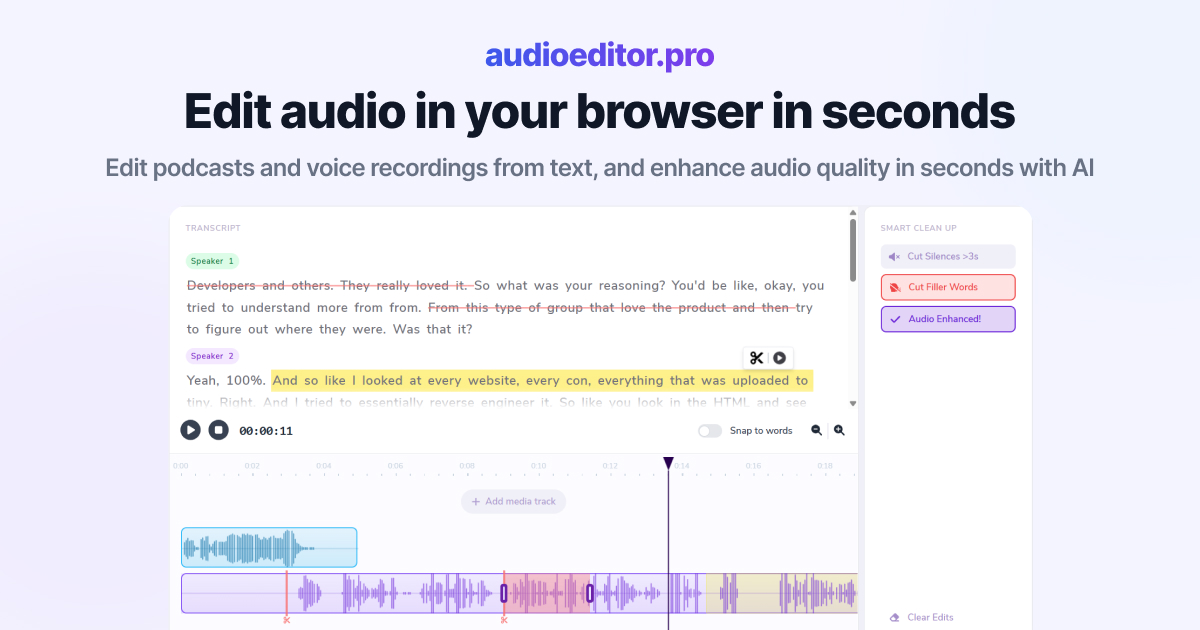
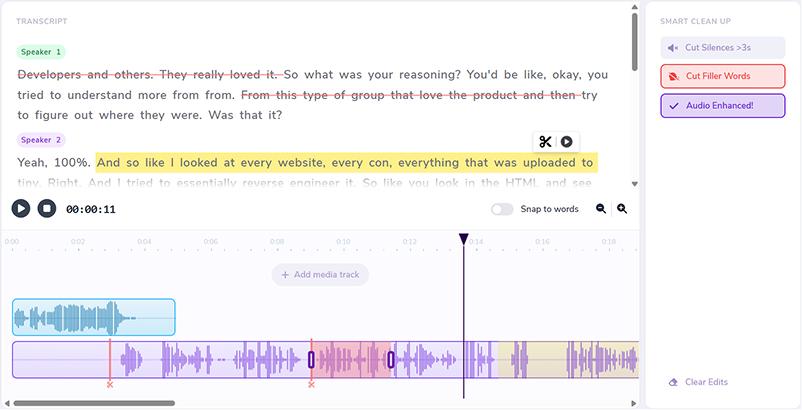
Select words in the transcript to cut, move, or refine the underlying audio.
Improve clarity and reduce noise without leaving the editor.
Remove dead air automatically so interviews and episodes stay tight.
Clean up ums, uhs, and hesitations in bulk from the transcript view.
Layer music, intros, and voiceovers on the same timeline.
Switch to waveforms whenever you need frame-accurate control.
Laptop fans, AC hum, street noise, and remote-call hiss — remove background noise from podcasts, interviews, and voiceovers online.
Reduce room noise and fan hum so hosts and guests sit forward in the mix.
Clean remote-call hiss and keyboard noise, then trim mistakes by transcript.
Remove background noise from voice memos before you drop them into a video edit.
Run remove-background-noise workflows in a browser tab without installing plugins.
Noise cleanup sits next to transcript cuts, silence removal, and filler cleanup.
Enhance voice clarity after denoise so dialogue stays intelligible, not hollow.
Download cleaner audio from the same workspace where you uploaded the file.
Drop a podcast, interview, or voice file into the editor. Video uploads work when you only need the audio track cleaned.
Apply enhancement to lower fans, hiss, and room noise while keeping speech forward.
Remove silences and filler words, cut mistakes in the transcript, and balance levels on the timeline.
Download when the mix sounds right. For stubborn room echo, continue with remove echo from audio in the same platform.
Practical guides on noise reduction, transcript editing, and spoken-audio production.
Choppy silence removal often means your threshold is too high or pauses are trimmed too short. Learn settings to tighten dead air without clipping speech.
Read article→Heavy filler removal can sound robotic when pauses vanish and words land too close. Learn when to cut ums and when to leave speech human.
Read article→Remove ums and uhs automatically from podcast audio with transcription, bulk filler detection, and a quick review pass so cuts stay natural.
Read article→Upload your file, apply audio enhancement to reduce noise, review the result, and export from your browser.
Results depend on how loud the noise is versus the voice. You can review and re-run cleanup before exporting.
Yes. Background noise removal is a common first step before silence and filler cleanup on podcast tracks.
Yes. Upload supported video files when you need to clean the audio track, then export the edited audio.
Yes. Run enhancement, then remove silences and filler words in the same browser workspace.
MP3, WAV, M4A, and most browser-supported audio and video formats are supported for upload.