Why Does Silence Removal Sound Choppy?
Choppy silence removal often means your threshold is too high or pauses are trimmed too short. Learn settings to tighten dead air without clipping speech.
Read article→Easy audio editor
Upload a file, trim sections, clean up speech, and export — with a workflow designed to feel straightforward from the first click.
MP3, WAV, M4A and most browser-supported audio/video files.
Everything you need to edit, clean, and export professional audio in one place.

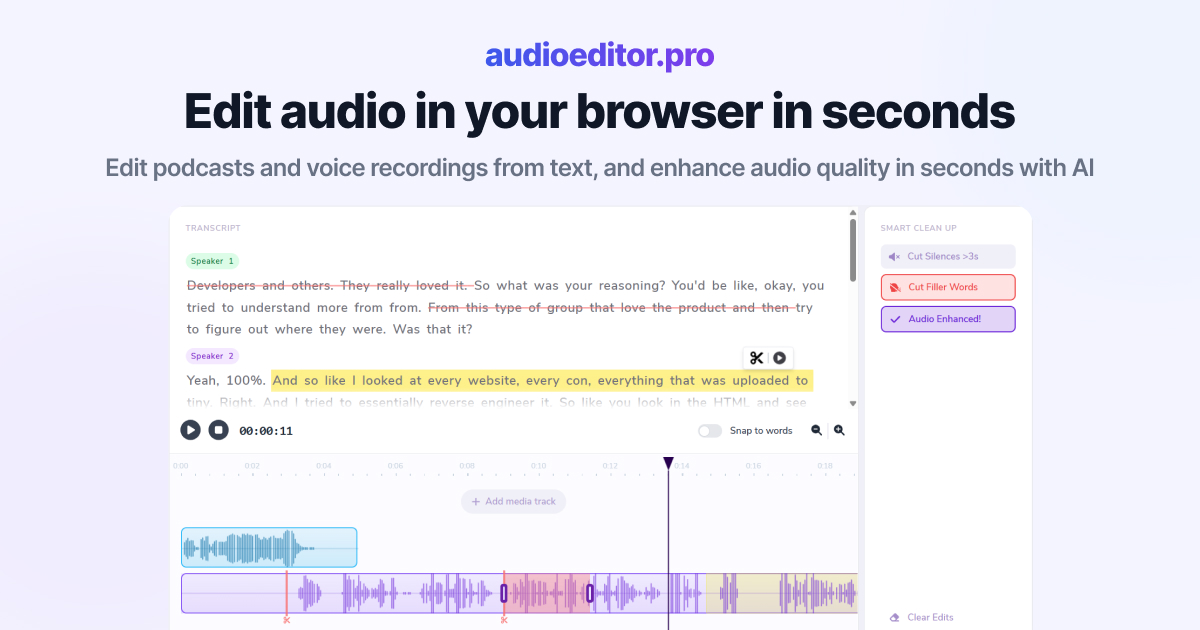
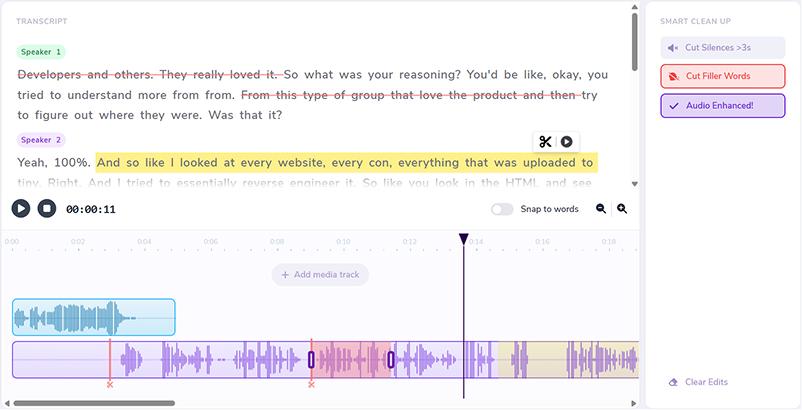
Cut, rearrange, and refine your audio by editing the transcript directly.
Improve clarity, reduce noise, and bring your voice forward with one-click enhancement.
Automatically detect and remove dead air so your episode stays tight and engaging.
Clean up ums, uhs, and verbal fillers without manually hunting through the waveform.
Layer music, intros, voiceovers, and additional audio sources on a shared timeline.
Trim with precision using waveforms, transport controls, and visual cut markers.
Podcast clips, voice memos, and interview recordings — handle common edits without wrestling with complex desktop tools.
Start with upload, transcript cuts, and export instead of learning a full DAW interface first.
Clean up a single file in minutes with tools that do not require audio engineering experience.
Keep your episode on one timeline and use smart cleanup instead of manual waveform hunting.
Open the easy editor in a tab — no installs, updates, or license management.
Use the transcript for quick cuts and the timeline when you need finer control.
Remove silences, filler words, and noisy sections without rebuilding the project.
Finish your file in the same easy workspace where you started.
Drop an audio or video file into the editor. The workspace prepares your media and starts transcription when speech is detected.
Select words in the transcript to cut sections, or trim on the waveform — whichever feels easier for the task.
Remove silences, strip filler words, apply enhancement, and layer extra tracks until the audio sounds polished.
Download the finished file when you are done. If you want an even more stripped-down workflow, see our simple audio editor with the same core tools.
Practical articles on transcript editing, cleanup workflows, and creator audio production.
Choppy silence removal often means your threshold is too high or pauses are trimmed too short. Learn settings to tighten dead air without clipping speech.
Read article→Heavy filler removal can sound robotic when pauses vanish and words land too close. Learn when to cut ums and when to leave speech human.
Read article→Remove ums and uhs automatically from podcast audio with transcription, bulk filler detection, and a quick review pass so cuts stay natural.
Read article→It runs in your browser, uses transcript-based cuts for spoken audio, and includes one-click cleanup — so you avoid learning a complex desktop DAW for everyday tasks.
No. Upload a file, edit by text or timeline, and export. The workflow is built for creators who want results without a steep learning curve.
Yes. It is a strong fit for first-time editors, podcasters, and anyone cleaning up voice recordings online.
Yes. Upload common audio and video formats, edit spoken content, and export a polished mix.
Yes. Smart cleanup tools help tighten episodes without manual waveform editing.
MP3, WAV, M4A, and most browser-supported audio and video formats are supported for upload.