Cutting audio
Why Does Cutting Audio Cause Clicks or Pops?
Clicks after an audio cut happen when the waveform jumps at a non-zero point. Learn why it occurs and how short fades and crossfades fix it.
TL;DR
- Clicks happen when a cut lands mid-waveform, not at a zero crossing.
- Fix with 5–20 ms fades on clip edges and 10–30 ms crossfades where clips meet.
- Cut on breaths and pauses when possible; frame-based video timelines make this harder.
- audioeditor.pro lets you fix transcript cuts and transitions in one browser workflow.
You delete a sentence from a podcast take and hear a sharp tick at the edit. The cut looked clean on the timeline. Playback says otherwise.
That sound is usually not a recording problem. It is a discontinuity at the cut point: the speaker was mid-waveform when the file ended, and the next sample starts somewhere else. Your ears read that jump as a click or pop.
What you are actually hearing
A click from an edit is a very short burst of energy. It lasts only a few milliseconds, but it stands out because speech is mostly smooth and predictable.
Two edits produce most of the clicks beginners notice:
- Hard out-point — you stop the clip while the waveform is still above or below the center line (not at silence).
- Hard in-point — the next clip starts mid-waveform instead of from a quiet sample.
The speaker tries to reproduce that instant level change. The result is the same family of sound as a tiny digital glitch: a click on the way in, a pop on the way out, or both if both sides of the cut are rough.
This is different from a mouth click picked up by the mic, a plosive on "p" or "b", or crackle from a bad cable. Those come from the recording. Edit clicks come from how the file was sliced.
Zero crossings and why they matter
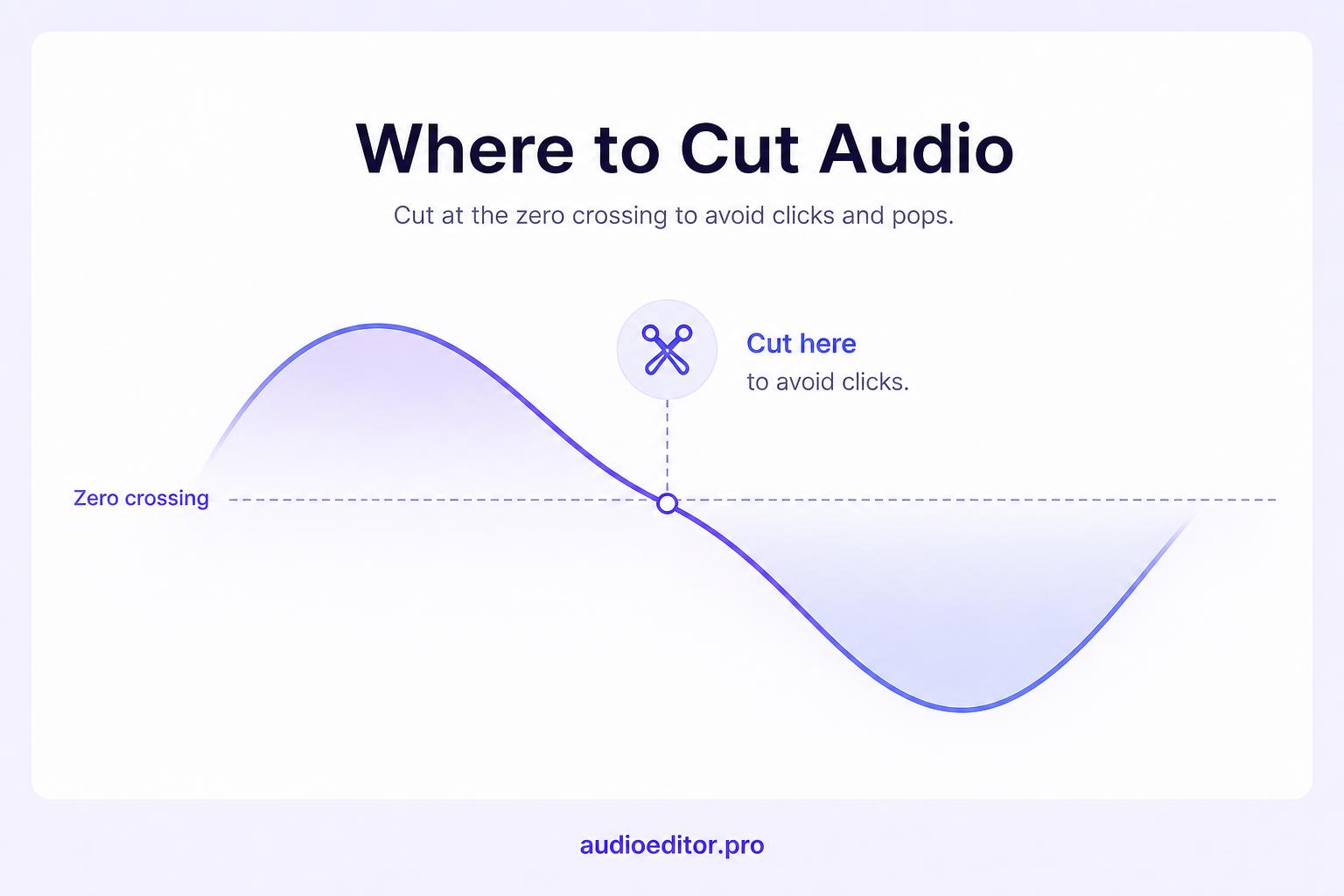
Audio waveforms swing positive and negative around a center line at zero amplitude. That center line is the zero crossing: a moment where the signal is effectively silent.
If you cut exactly at a zero crossing on both sides, the transition can be click-free without any processing.
The catch is that zero crossings are tiny. At 48 kHz sample rate, there are 48,000 samples per second. Video timelines often snap to frames (24 or 30 per second), not individual audio samples. So a cut that looks fine visually often lands in the middle of a wave.
That is the main reason cutting audio causes clicks: the edit point is almost never a perfect zero crossing unless you force it to be.
Why aggressive cuts make it worse
The sharper the jump, the louder the click tends to feel. Common situations that make edits pop:
Cutting mid-word — removing "um" by slicing between consonants without room tone or breath at the edge.
Back-to-back clips with no overlap — two regions butt together with no fade between them.
Silence stripped to zero — deleting a pause so the tail of one word meets the attack of the next with no buffer.
Frankenbite lines — stitching words from different takes so the pitch, room tone, or breath pattern does not match. Even with clean zero crossings, the ear hears choppiness like an audio jump cut; without fades, you also get clicks.
If you are trimming a long interview, structural cuts remove big blocks first. Detail cuts on filler words are where these pops usually show up. A speed workflow helps only if you fix the edges after the fact.
How fades remove clicks at cut points
A fade-out ramps the end of a clip down to silence. A fade-in ramps the start up from silence. Together they guarantee the waveform approaches zero at the boundary even when your cut did not land on a zero crossing.
Practical starting points for spoken audio:
| Situation | Starting fix |
|---|---|
| Single clip end or start | 5–20 ms linear fade |
| Two clips joined | 10–30 ms crossfade |
| Video timeline (frame-based) | 1–2 frame fade if that is all you have room for |
Shorter fades fix clicks. Longer fades (50 ms and up) start to sound like a deliberate dip in level, which is useful for music but often wrong for tight dialogue.
Rule: if you still hear a tick after one fade, lengthen it slightly (add 5–10 ms) before reaching for noise reduction tools.
Crossfades when two clips meet
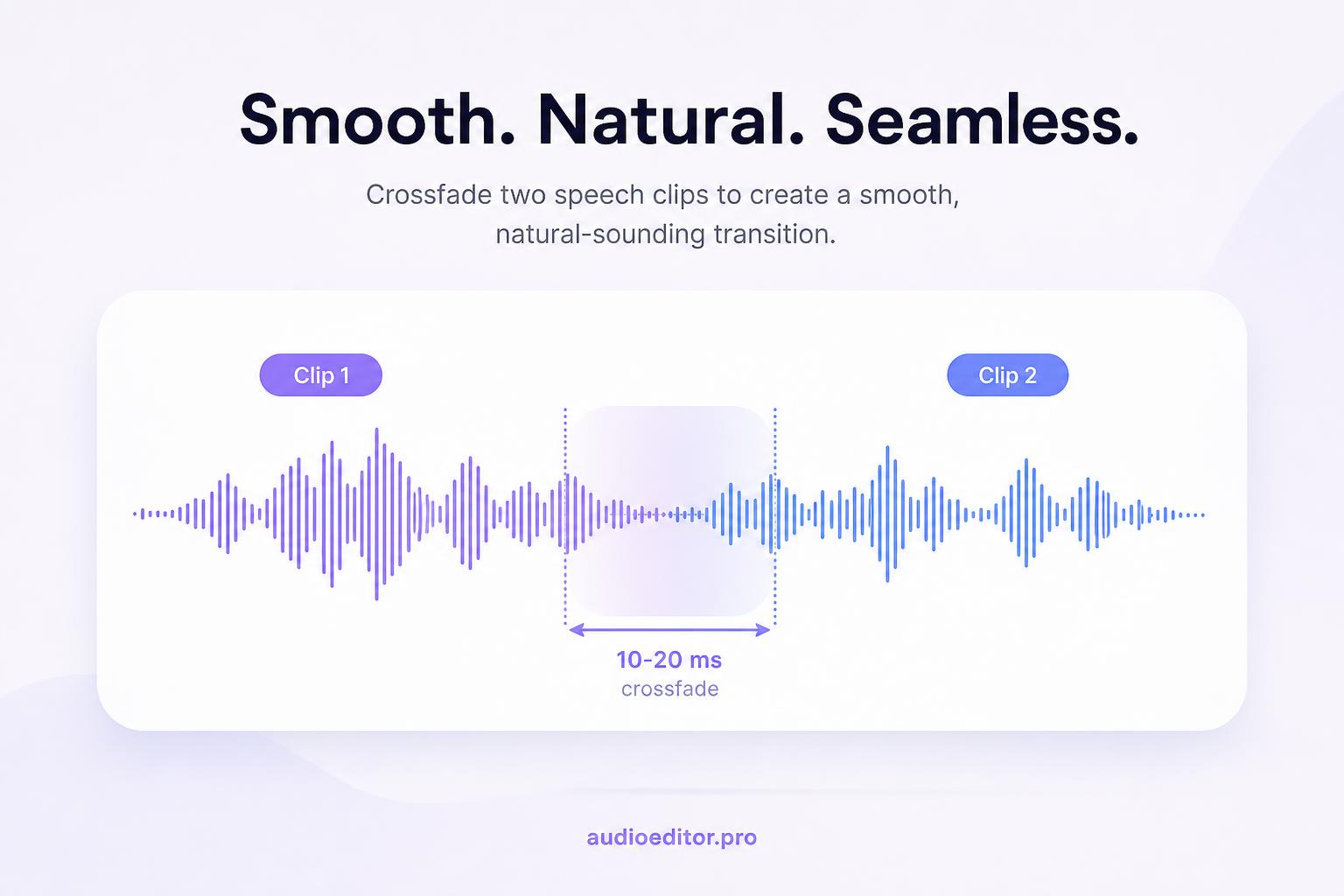
A crossfade overlaps the tail of clip A with the head of clip B. A fades out while B fades in. The listener never hears a hard switch.
Use a crossfade when:
- You removed a middle section and the remaining parts must touch
- You joined two takes of the same sentence
- You shortened a pause but kept speech on both sides
For voice, equal-power or short equal-gain crossfades around 10–20 ms are a solid default. If the crossfade sounds like a volume dip, shorten it. If you still hear a click, lengthen it slightly or move the cut to a breath.
Many editors let you apply crossfades to every cut in a selection. That is worth doing on dialogue-heavy timelines where dozens of small trims would otherwise mean dozens of tiny pops.
Where to place cuts so clicks hide themselves
The best click fix is cutting where a click would not matter.
Prefer edit points at:
- Breaths between phrases
- Natural pauses after a completed thought
- Room tone instead of mid-syllable
- Consonant noise that masks a 5 ms fade (use lightly; do not butcher words)
Avoid cutting:
- The loudest peak of a vowel
- The attack of a plosive
- The first 10 ms of a word you are keeping
When you find mistakes in a long recording first, you mark blocks to remove. When you cut down a long interview, you delete large sections before micro-trims. Both workflows work better when small cuts land on pauses, not inside active speech.
Transcript cuts and automatic edge smoothing
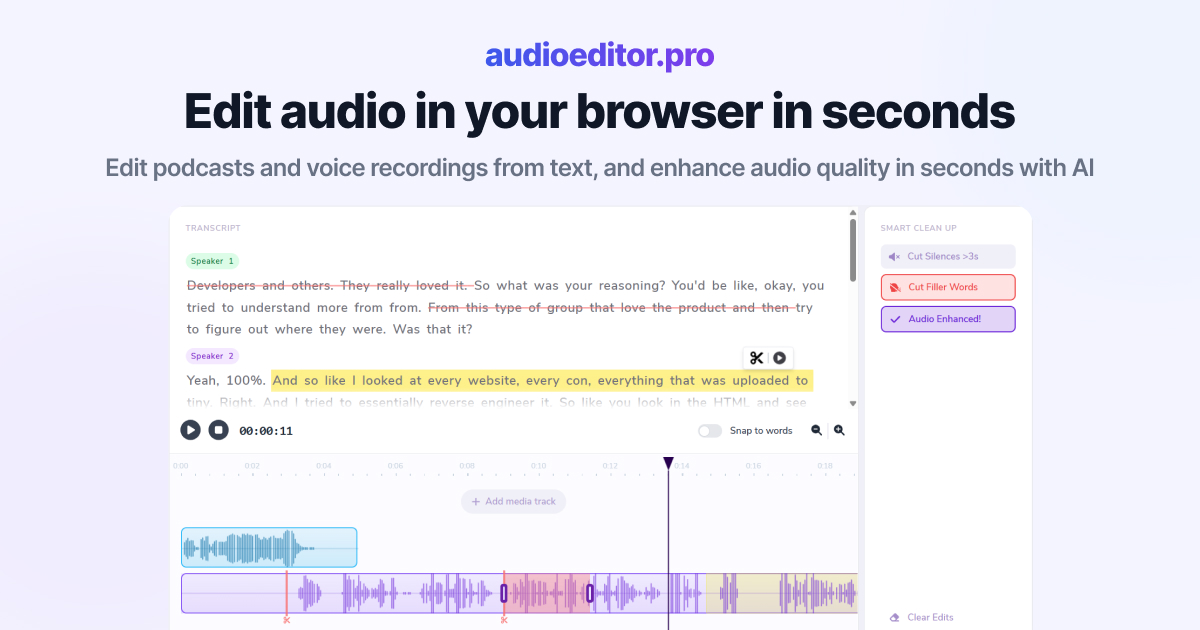
Transcript-based editors delete the audio that matches selected text. Under the hood, that is still a sample-level cut. Good tools apply short fades or choose boundaries near pauses so you do not get a row of clicks along the paragraph.
If you edit by transcript:
- Delete at phrase boundaries when possible, not mid-word.
- Listen back at the paragraph level after each batch of cuts.
- If you hear ticks, shorten the selection by a syllable or add a manual fade at the clip edge.
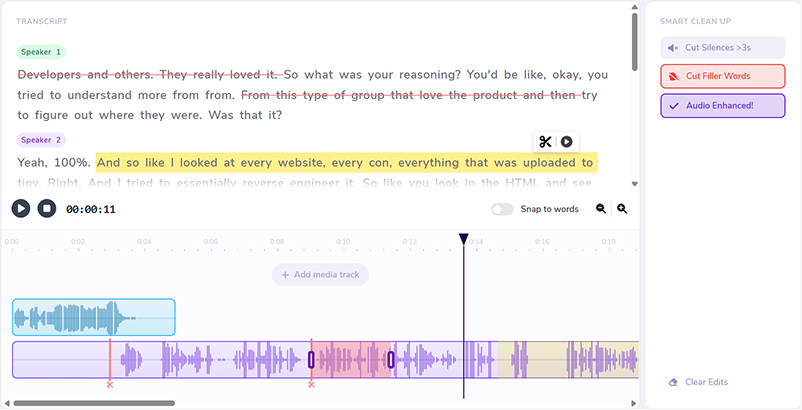
On audioeditor.pro, transcript cuts and timeline fades sit in the same view, so you can fix ticks while you trim instead of bouncing between tools.
Clicks that are not from your edit
Before you fade everything, confirm the pop is at the edit:
- Same spot every play — usually the cut or a fixed digital glitch
- Random pops during playback only — buffer or driver issue, not baked into the file
- Rhythmic ticking — clock or sample-rate mismatch
- Broadband crackle — cable, interface, or ground noise from capture
Open the waveform at high zoom. Edit clicks look like a sudden vertical edge at one sample. If the pop is not at your splice, fades will not fix the root cause.
Prevention checklist for clean cuts
Use this before you export:
- Cut large sections first; handle clicky micro-edits last.
- Place edits on breaths or pauses when you can.
- Add 5–20 ms fades on any clip edge that does not sit at silence.
- Crossfade 10–20 ms where two speech clips touch.
- After a batch of trims, play each minute at 1x and hunt for ticks.
- If a stitched line sounds choppy, lengthen the crossfade or re-cut on room tone.
Clicks after cutting are normal physics, not a sign you broke the file. They mean the waveform had nowhere smooth to land. A few milliseconds of fade usually fixes it.
FAQ
What is a zero crossing?
The point where the waveform crosses zero amplitude (effective silence). Cuts at zero crossings are less likely to click than cuts on active audio.
How long should a fade be for spoken dialogue?
Start with 5–20 ms on a single clip edge and 10–30 ms crossfades where two speech clips touch. Lengthen slightly if you still hear a tick.
Why do video editors cause more clicks than audio editors?
Video timelines snap to frames (24–30 per second), not the 48,000 audio samples per second where zero crossings actually live.
Are edit clicks the same as mouth clicks or cable noise?
No. Edit clicks repeat at the same splice every play. Recording problems may be random or tied to performance, not your cut point.
Do transcript-based cuts still need fades?
Yes. Deleting text is still a sample-level cut. Good tools auto-fade or pick pause boundaries; always listen back at the paragraph level.