Cutting audio
How to Quickly Find Mistakes in a Long Recording
A practical find-first workflow for long interviews and podcasts — flag mistakes with timestamps before you cut, using speed listening and transcript search.
TL;DR
- Run a find pass at 1.25x–1.5x with a timestamp log before you cut anything.
- Flag structural, verbal, technical, and pacing issues separately in your mistake log.
- Search the transcript to jump to errors instead of scrubbing the whole waveform.
- Review every flag at 1x, then edit; audioeditor.pro speeds up transcript-to-timeline jumps.
A 90-minute interview can hide dozens of small problems: a restarted sentence at minute 12, a phone buzz at minute 47, a tangent that should never ship. The slow way is to scrub the waveform and cut as you go. The fast way is a dedicated find pass where you only locate problems, log them, and edit later.
This guide is for podcasters, interviewers, and course creators working with long spoken recordings. You do not need a pro studio. You do need a repeatable way to spot mistakes without missing half of them.
What counts as a mistake in a long recording
Not every imperfection is worth fixing. For a long spoken recording, treat these as mistakes worth flagging:
Structural issues — pre-roll chatter, a guest answering the wrong question, a tangent that never lands, or a section you already covered better earlier in the file.
Verbal slip-ups — false starts ("So what I mean is— what I mean is…"), obvious mispronunciations followed by a correction, repeated phrases, or a guest asking to redo a line.
Technical glitches — clipping, a sudden level drop, a mic bump, a notification sound, or a stretch of room echo that pulls the listener out of the moment.
Pacing problems — silence longer than about two to three seconds between thoughts, or crosstalk where nobody can follow who is speaking.
If a pause feels natural and the audio is clean, leave it. Your goal in the find pass is to build a short list of real distractions, not to chase a perfectly sterile read.
Why finding mistakes before you cut saves time
When you cut while you listen for the first time, two things go wrong. You fix a noisy section at minute 20, then cut the whole block at minute 35 because the guest retells the same story. You also lose context: a stumble at minute 8 might be the setup for a great line at minute 9.
A find pass separates discovery from surgery. You listen once with notes open, mark timestamps, then make cuts in a second session when you already know the full shape of the episode.
Rule of thumb: if the raw file is longer than 45 minutes, never start with the razor tool. Start with a log.
Set up a simple mistake log in five minutes
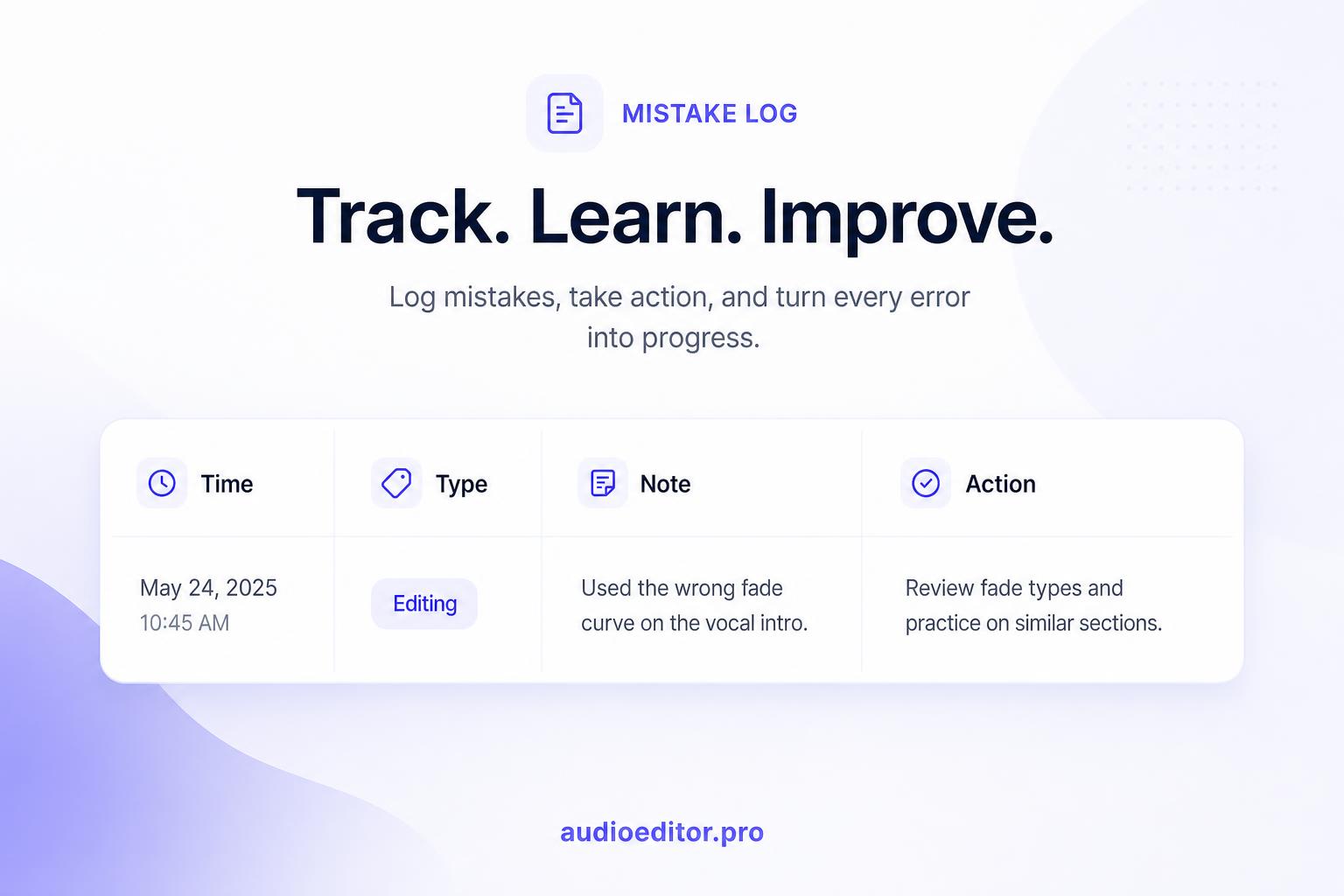
Before you press play, open a note with four columns or labeled sections:
| Time | Type | Note | Action |
|---|---|---|---|
| 04:12 | Verbal | False start on pricing answer | Cut first attempt |
| 18:40 | Technical | Phone vibration | Noise reduction or cut |
| 52:03 | Structural | Off-topic sports tangent | Cut entire block |
Time — use mm:ss or hh:mm:ss for files over an hour. Most players show elapsed time in the transport bar; write it down the moment you hear the problem.
Type — pick one label: Structural, Verbal, Technical, or Pacing. That label tells you what to do later (delete, trim, or process).
Note — one short phrase so future-you remembers why you flagged it.
Action — optional on the first pass; fill this in when you review flags before cutting.
You can use a spreadsheet, a notes app, or pen and paper. The tool does not matter. Consistent timestamps matter.
Run your first listen at 1.25x to 1.5x speed
Put on headphones and play the full file at 1.25x or 1.5x. Go to 2x only if you can still catch verbal slip-ups; if words blur together, slow down.
During this pass:
- Do not delete anything.
- Pause only long enough to write a timestamp and a one-line note.
- If you are unsure whether something is a mistake, flag it anyway. You will decide on the review pass.
For a 60-minute recording, this pass often takes 35 to 45 minutes at 1.5x. That is still faster than wandering through waveforms without a map.

Flag structural problems first
On your first pass, prioritize big-picture issues. These are the mistakes that change episode length and story flow.
Listen for:
- Cold open problems — mic checks, "are we recording?", or small talk that is not part of the show.
- Repeated content — the guest tells the same anecdote twice; keep the sharper version and flag the weaker one.
- Wrong answers — "Actually, can I redo that?" is a clear cut marker.
- Dead segments — long stretches where nothing moves the topic forward.
When you flag a structural issue, note the start and end time if you can. "Cut 14:02–17:18 tangent about commute" is faster to execute than a vague "long tangent around 14 minutes."
Flag verbal slip-ups and false starts
Verbal mistakes are small but they add up in a long file. They are also the easiest wins once you know where they live.
Flag these when you hear them:
- A sentence that restarts mid-way — keep the second attempt, flag the first.
- A word the speaker clearly misread, followed by an immediate correction.
- Crutch phrases repeated in a tight cluster ("you know, you know, you know") when they break rhythm.
- A guest laughing at their own mistake and asking to try again.
Do not flag every "um" on this pass unless it sits in an otherwise tight answer and pulls you out of the content. Filler cleanup belongs in a later detail pass. Right now you are hunting obvious errors.
Spot technical glitches you cannot fix with cuts alone
Some problems need processing, not just deletion. Mark them with the Technical label so you do not waste time trying to slice them away.
Common flags:
- Clipping — harsh distortion on loud syllables.
- Level jumps — one speaker suddenly much quieter or louder.
- Intrusive noise — sirens, keyboard clacks, or notifications that sit on top of the voice.
- Dropouts — a short stretch of missing or garbled audio.
If the glitch lasts under a second and the meaning is clear, you might trim it. If it runs over speech, note "needs noise reduction or re-record" in your log so you handle it in the right stage.
Use a transcript to search instead of scrubbing
Waveforms are great for timing. They are slow for questions like "where did they talk about pricing?" or "did they say the wrong product name?"
If your recording is already transcribed, search the text for:
- Known error phrases ("let me start over", "scratch that", "wrong word")
- Names, numbers, and URLs that are easy to misread aloud
- Topic keywords when you remember a mistake but not the minute mark
Click the matching line in the transcript to jump to that moment in the audio, then add it to your mistake log with the correct timestamp.
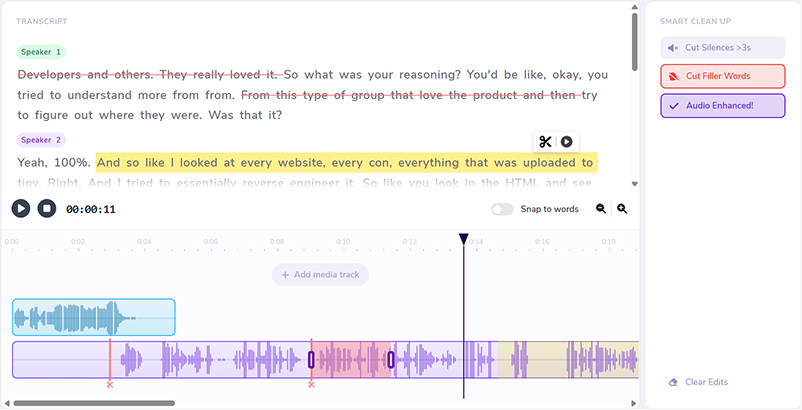
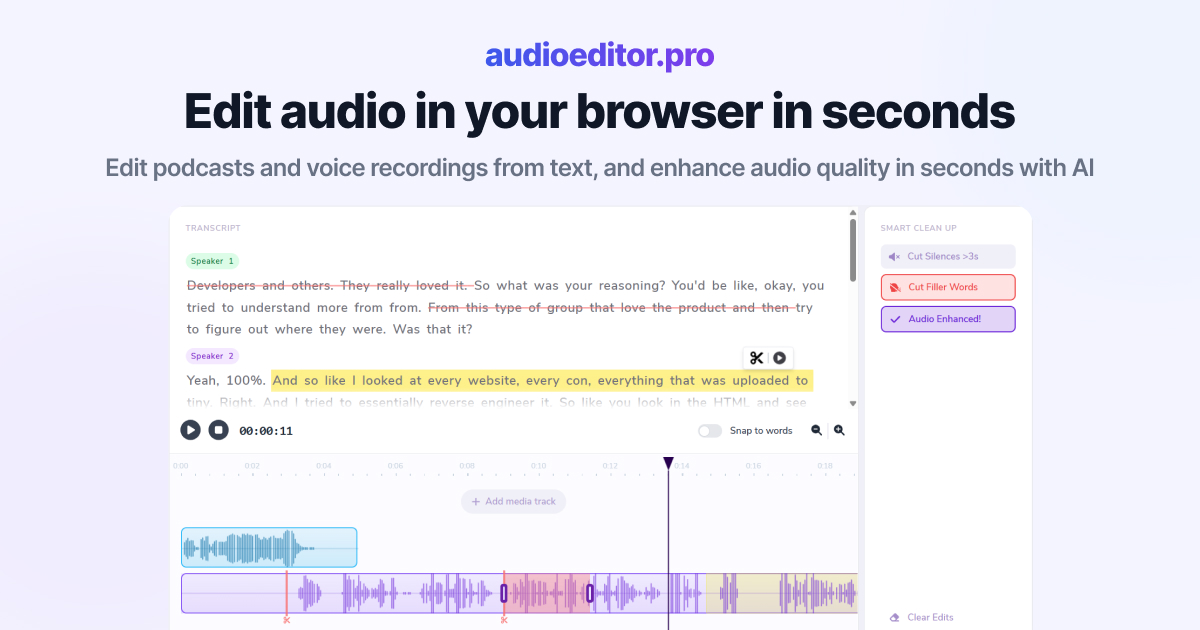
On audioeditor.pro, upload the recording, search the transcript, and jump to each hit on the timeline while you build the log. You still make the find pass with human judgment, but you spend less time hunting blind.
Double-check flagged moments before you cut
After the speed listen, work through your log in chronological order at normal speed. For each flag:
- Play five to ten seconds before the timestamp for context.
- Confirm the mistake still bothers you on a second listen.
- Write the final action: Cut, Trim, Keep, or Process.
Remove duplicate flags. If you marked the same false start twice, merge the notes.
This review pass is where you avoid over-cutting. A pause that felt long at 1.5x might sound natural at 1x. A tangent you planned to cut might contain the guest's best quote. Give each flag ten seconds of fair hearing before you commit.
Mistake-finding checklist for long interviews and podcasts
Use this sequence every time you open a long raw file:
- Create a mistake log with Time, Type, Note, and Action columns.
- Listen at 1.25x–1.5x without editing; only add timestamps.
- Flag structural issues first, then verbal slip-ups, then technical glitches.
- If you have a transcript, search for redo phrases and proper nouns you know were wrong.
- Review every flag at normal speed and decide Cut, Trim, Keep, or Process.
- Only then open your editor for structural cuts, followed by detail cleanup — the same order used when you cut down interviews.
When the log is approved, start with the biggest blocks (structural cuts), then handle short verbal fixes. Detail trims are where joins can click or pop or become an audio jump cut if you cut without breath room. That order prevents you from polishing clips you were going to delete anyway.
FAQ
How long does a find pass take on a 60-minute file?
Usually 35 to 45 minutes at 1.5x speed if you only log timestamps and do not edit.
Should I cut while listening the first time?
No. Discovery and surgery are separate passes. Cutting early makes you miss context and waste time on clips you will delete later.
What belongs in a mistake log?
At minimum: timestamp, type (Structural, Verbal, Technical, or Pacing), a one-line note, and a final action after review (Cut, Trim, Keep, or Process).
Can transcript search replace the speed listen?
No. Search finds known phrases and names fast, but the speed listen still catches flow problems, tangents, and glitches you did not expect.
When do I open the editor?
Only after you review every flag at normal speed and approve the log.