Cutting audio
How to Cut Audio Without a Jump Cut
Avoid jarring jump cuts in podcasts and interviews by editing on pauses, using short crossfades, and matching room tone between takes.
TL;DR
- Audio jump cuts are felt when time jumps but the conversation logic does not.
- Cut on pauses and sentence ends; leave 80–200 ms breath tails between kept words.
- Use 10–30 ms crossfades where clips meet and match room tone across takes.
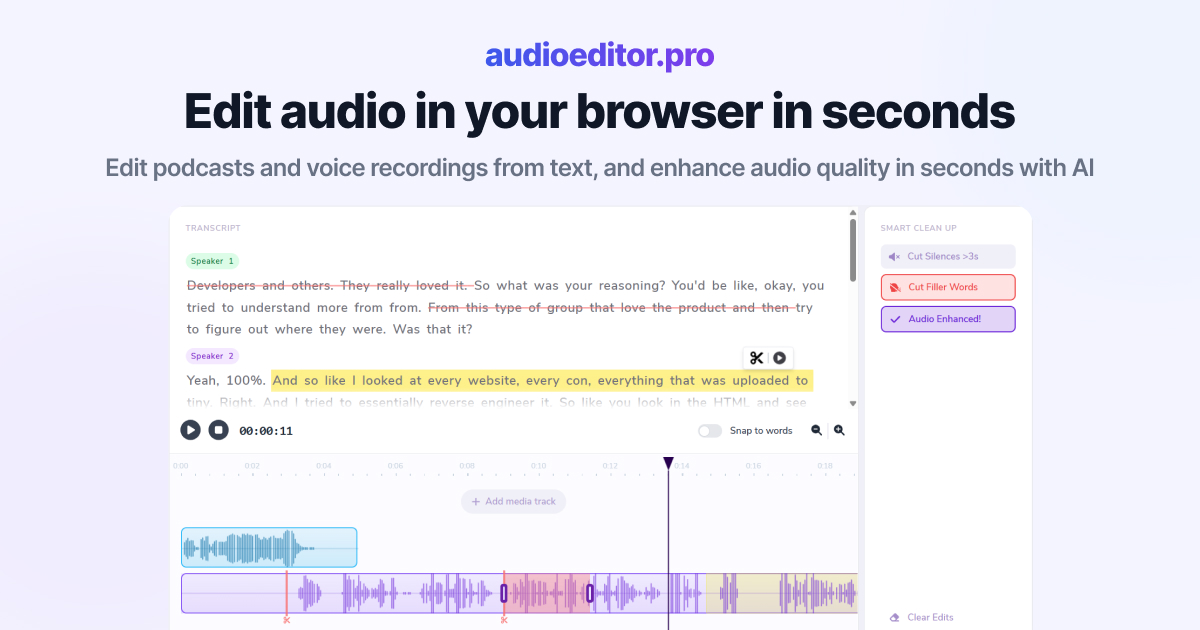
- audioeditor.pro supports transcript cuts plus timeline fades in the browser.
You remove a rambling answer and the episode suddenly leaps from one thought to another. The listener feels a bump even if there is no loud click. That is an audio jump cut: the timeline moved, but the conversation did not move with it.
Smooth edits are not about hiding every imperfection. They are about respecting how speech flows: breath, pace, room sound, and the logic from one sentence to the next.
What an audio jump cut sounds like
In spoken content, a jump cut is any edit where the listener notices time was removed.
Common tells:
- A word gets clipped mid-syllable and the next word starts too soon
- Energy jumps from calm to loud with no bridge
- Room tone vanishes for a frame, then returns
- A question is answered before the question fully landed
- Two takes of the same line sit back to back with different pitch or mic distance
Video jump cuts are visible. Audio jump cuts are felt. Your goal is not zero edits. It is edits the ear accepts as one continuous take.
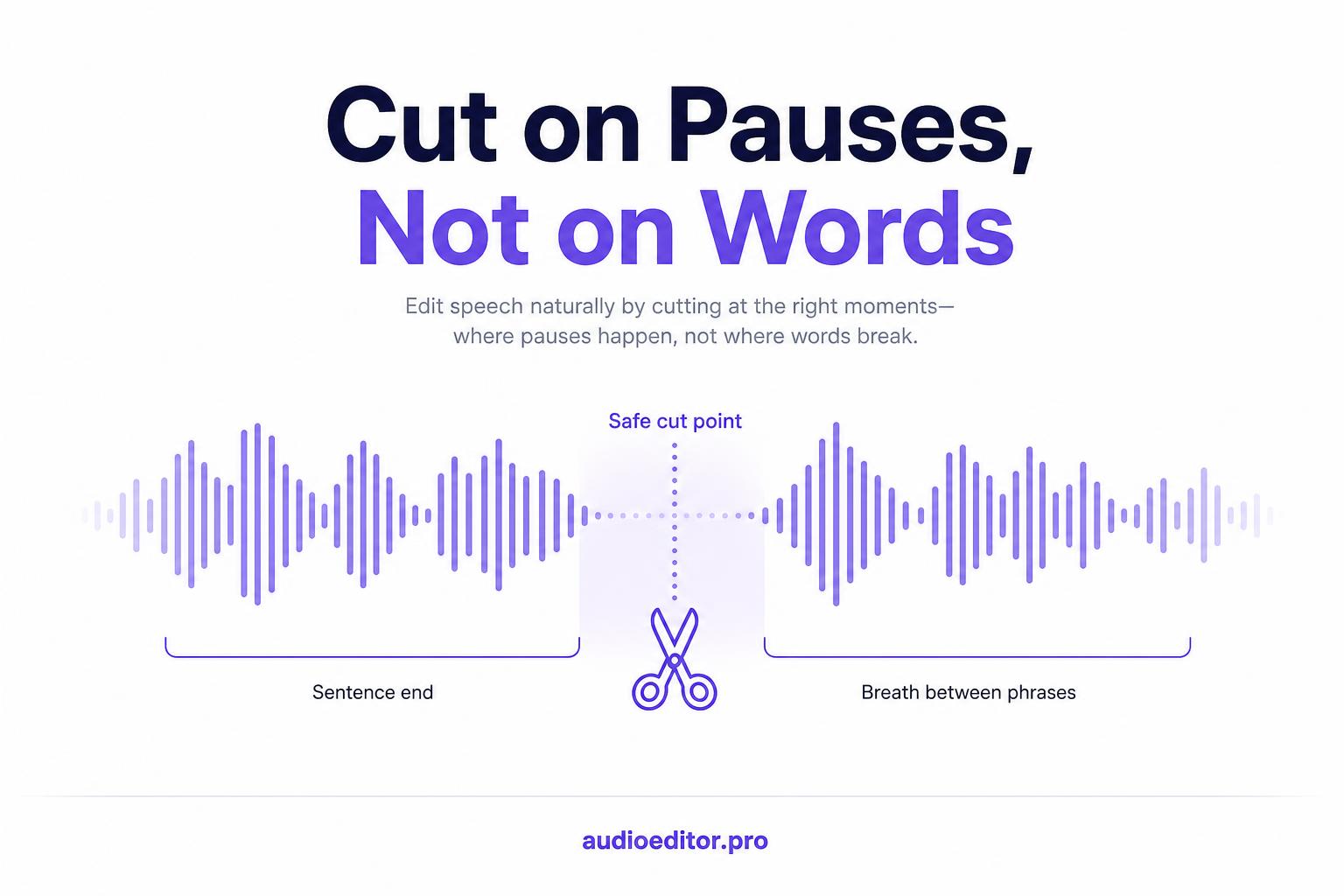
Cut on pauses, not on active speech
The single fastest rule: never slice through a word you are keeping.
Preferred cut points:
- End of a completed sentence
- A breath between phrases
- A natural beat before a new topic
- Room tone during a short pause
If you must remove a word inside a sentence, cut the whole weak phrase and let the surrounding sentences carry the meaning. Micro-splicing single filler syllables without padding is how jump cuts multiply — another reason to find mistakes first before detail trims.
When you cut down a long interview, delete large optional blocks first. Those boundaries usually sit on pauses already. Detail trims inside dense answers need more care.
Leave a breath tail at both edges
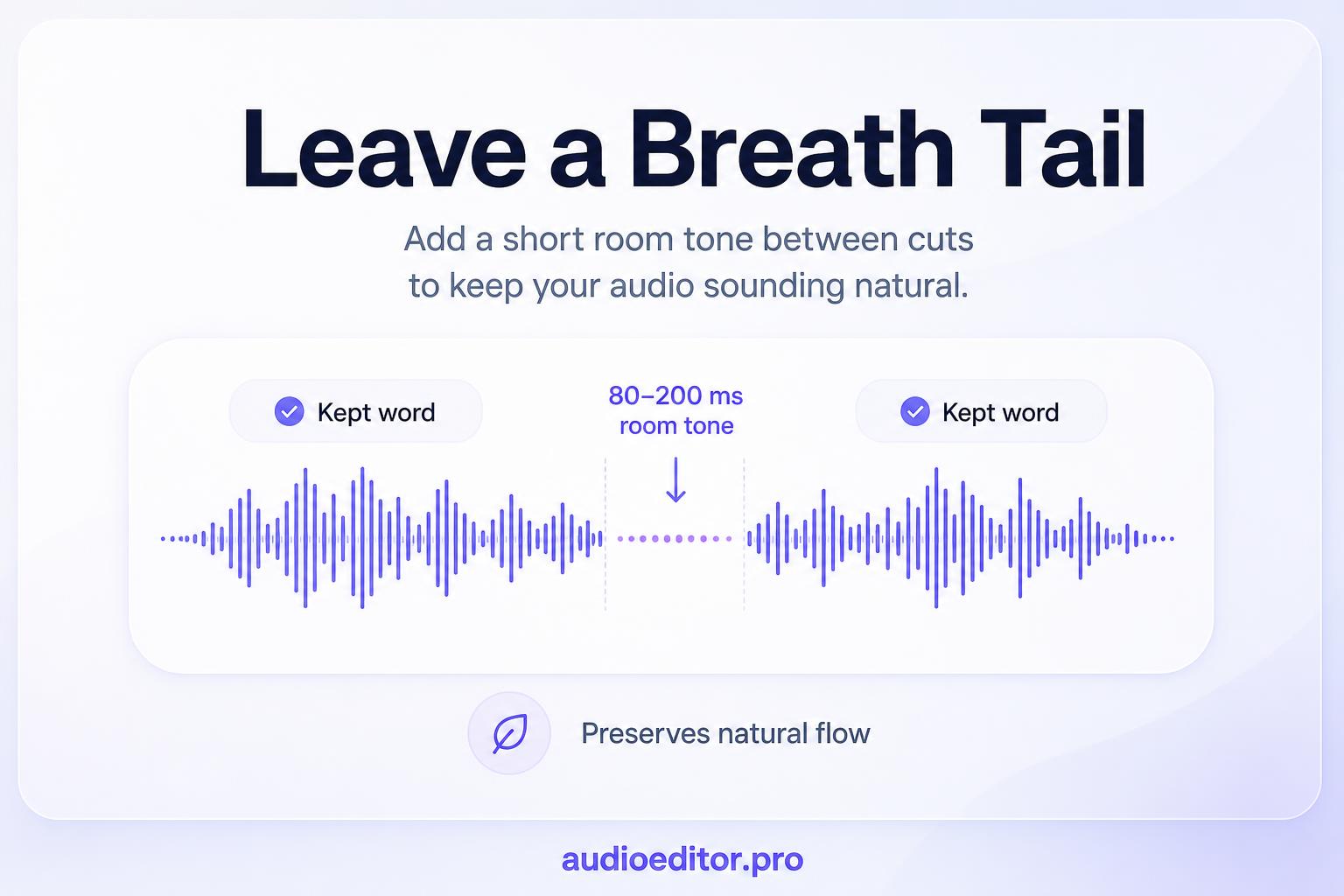
Silence is not the enemy. Abrupt silence is.
After you trim a pause, leave a small buffer:
- Roughly 80 to 200 ms of room tone or breath before the next word starts
- A little tail after the previous word so the consonant does not get shaved
If you strip a three-second pause down to zero, the ear hears two words welded together. If you leave 150 ms, the same edit often passes unnoticed.
Test at headphones volume. Jump cuts that hide on laptop speakers often show up on earbuds.
Use short crossfades where clips touch
Hard joins between two regions are a jump cut even when the words make sense on paper.
When clip A ends and clip B begins on the same track:
- Overlap the regions by 10 to 30 ms
- Apply a short crossfade (equal-power works well for voice)
- Listen once at 1x; shorten the fade if you hear a dip, lengthen if you hear a tick
This is the same fix behind clicks and pops. Crossfades smooth the waveform. They also hide tiny level mismatches between takes.
For dialogue-only podcasts, 15 ms is a common starting point. For stitched lines built from multiple takes, you may need 30 to 50 ms plus level matching. If you edit in the browser, audioeditor.pro lets you trim by transcript and nudge crossfade handles on the timeline when a join still bumps.
Match room tone between takes
Two clips from the same session can still sound like a jump cut if the noise floor changes. One side sounds roomy; the other sounds dry.
Before you export:
- Compare the hiss or room tone on both sides of each join
- If one side is quieter, add a short room-tone bed under the gap (even 0.5 seconds helps)
- Match perceived loudness with clip gain, not only peak meters
Heavy noise reduction on one clip but not its neighbor is a frequent hidden cause of jumpy edits. Process both sides of a join with the same settings when you can.
Split edits when audio and video move separately
If you edit a video podcast, you can hide a visual jump with a split edit:
- J-cut — next speaker's audio starts before the picture switches
- L-cut — previous speaker's audio continues over the next shot
The picture changes; the ear still has continuity. That is why interview shows feel smooth even with frequent camera changes.
For audio-only shows, the parallel trick is overlap by context:
- Let the end of sentence A play under the start of sentence B when reordering answers
- Use a music bed or room-tone bridge when jumping between topics
- Introduce the next segment with one line of preview audio before the hard topic change
You are giving the listener a half-second of warning that time moved.
Reorder in the transcript, then check the paragraph
Transcript-based cutting is fast because you see the story. Jump cuts happen when you delete text without reading the transition aloud.
Workflow:
- Select the paragraph or sentence block to remove, not random words
- Read the remaining text out loud at normal pace
- If the join sounds like two unrelated tweets, add a bridging sentence from the raw file or soften with a pause
Search the transcript for natural bridges: "So to summarize", "Coming back to", or the host restating the question. Those lines are glue. Keep them when a hard cut would confuse.
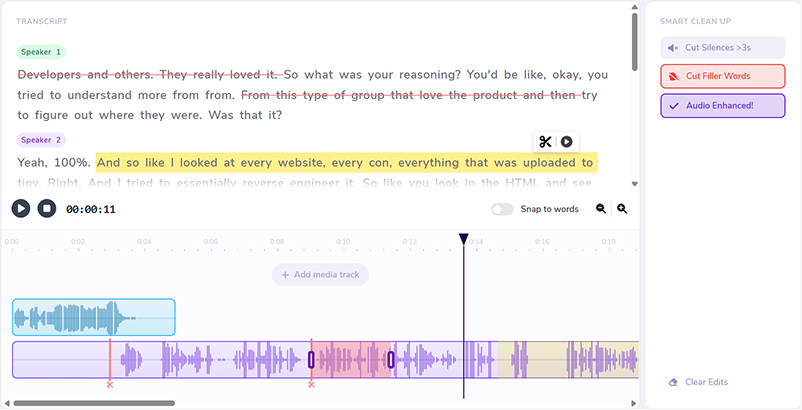
When you delete by transcript on audioeditor.pro, read each paragraph aloud before moving on. The text view makes jumpy joins obvious before you export.
When stitched lines still sound choppy
Sometimes you need a sentence built from two takes. That is valid. It is also the highest jump-cut risk.
Reduce choppiness by:
- Matching mic position and energy across takes (re-record weak lines if needed)
- Cutting on breaths inside the stitched sentence, not on vowels
- Using one consistent crossfade length across the whole frankenbite
- Avoiding more than two take changes in a single short sentence
If it still sounds wrong after fades, delete the whole line and ask whether the episode needs it. One smooth minute beats thirty seconds of clever splicing.
Jump-cut prevention checklist
Before you ship the episode, scan joins in this order:
- Placement — every cut on a pause, breath, or sentence end?
- Breath tail — at least ~80 ms of space between kept words?
- Crossfade — 10–30 ms on every abutting clip?
- Level and tone — both sides of each join similar loudness and room sound?
- Meaning — read transitions aloud; does the logic still hold?
- Playback — full listen at 1x on headphones; note any bump you would not accept as a live conversation
Jump cuts are a workflow problem more than a talent problem. Slow down at the join, not across the whole episode.
FAQ
What is the difference between a jump cut and a click?
A click is a short tick at the splice. A jump cut is a rhythm or logic bump: the listener feels time was removed even without a loud artifact.
How much silence should I leave after trimming a pause?
Roughly 80 to 200 ms of room tone or breath before the next word. Zero-gap trims often weld words together.
What are J-cuts and L-cuts?
Split edits for video: audio from the next scene starts early (J-cut) or previous audio continues over the next picture (L-cut). They hide visual jumps while keeping ear continuity.
When is frankenbite stitching too risky?
When more than two take changes sit in one short sentence, or pitch and room tone do not match. One smooth minute beats clever splicing.
Should I read transitions aloud?
Yes. If the join sounds like two unrelated thoughts when spoken, add a bridge line or soften with a pause before export.