Cutting audio
Fastest Way to Cut Down a Long Interview
Cut a long interview down fast with structural edits first, transcript-based trimming, and a clear target length — without polishing clips you will delete.
TL;DR
- Set a target ship length and must-keep moments before you cut.
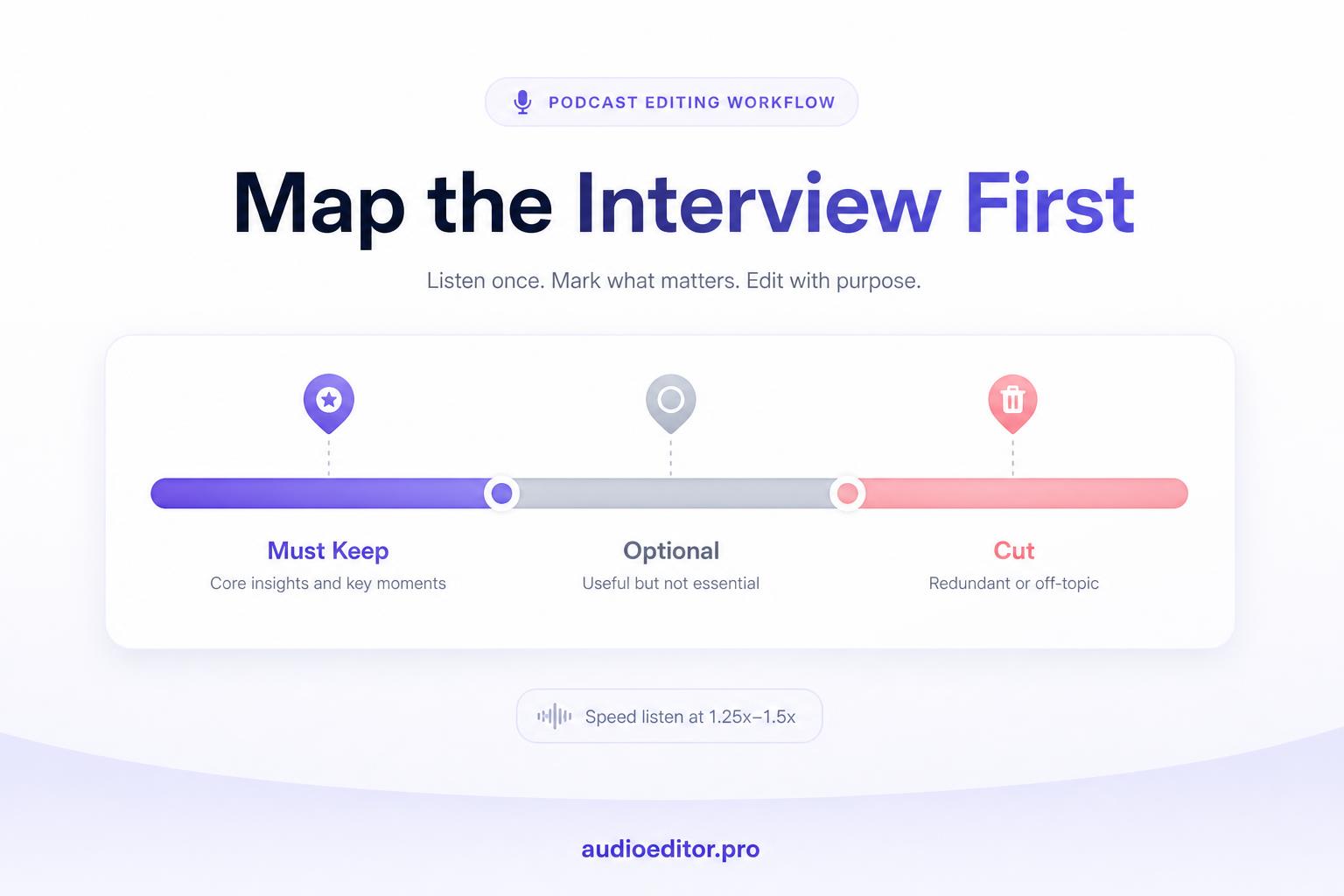
- Speed-listen once to label blocks Must Keep, Optional, or Cut.
- Delete large sections first; trim pauses and fillers only after structure is right.
- Use transcript selection for fast cuts; audioeditor.pro handles upload through export in one browser workflow.
A raw 75-minute interview rarely ships at 75 minutes. The goal is a tight 35- or 45-minute episode that still feels conversational. The mistake most beginners make is starting with filler words and micro-trims while the big fat is still in the file.
Speed comes from order of operations: decide the target length, remove large blocks, then clean what remains. This workflow works for podcast interviews, documentary sit-downs, and course guest sessions.
Pick a target length before you open the editor
You cannot cut fast if you do not know what "done" looks like. Before the first blade swipe, write down:
- Ship length — the runtime you want listeners to hear (for example, 40 minutes).
- Must-keep moments — three to five beats the episode cannot lose (the guest's origin story, the contrarian take, the practical demo).
- Optional sections — tangents you will cut if you are over time.
If the raw file is 80 minutes and your target is 40, you need to remove roughly half the material. That is a structural job, not a polish job. Keep that ratio visible on a sticky note while you edit.
Map the interview in one speed listen
Do not cut on the first playthrough. Listen at 1.25x to 1.5x with a simple log: timestamp, label, and whether the block is Must Keep, Optional, or Cut.
Flag:
- Pre-roll and post-roll chatter
- Questions you already answered earlier
- Long warm-up before the guest gets to the point
- Repeated anecdotes
- Side threads that do not support the episode theme
This is the same find-first mindset used to log mistakes before any blade work. You are building a cut list, not editing yet.
For a 60-minute file, this mapping pass usually takes under 45 minutes at 1.5x. It saves hours of second-guessing later.
Cut large blocks before small trims
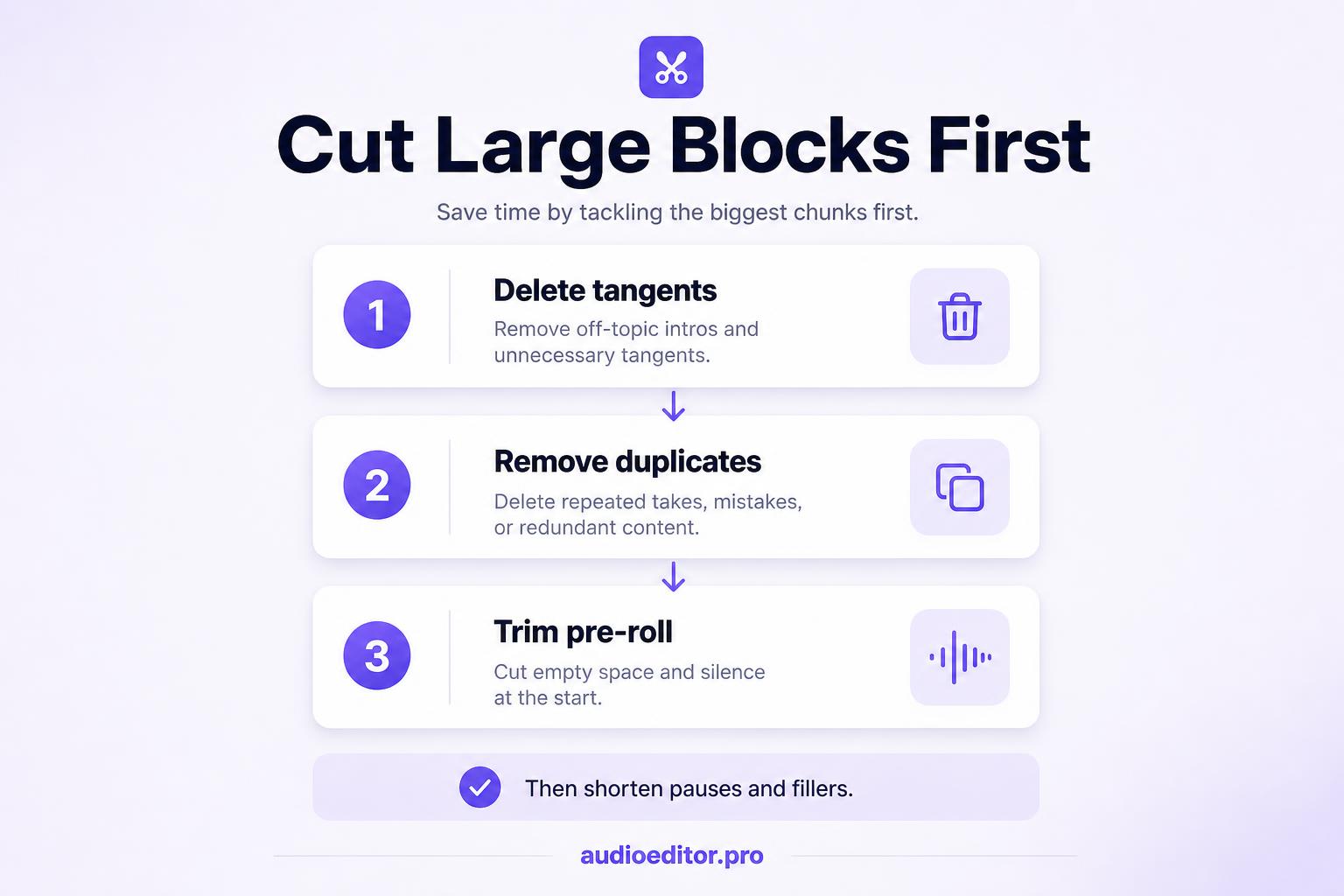
Open your editor and delete whole sections first. Work from your Cut and Optional labels in chronological order.
Typical large cuts:
| Section type | What to do |
|---|---|
| Duplicate story | Keep the clearer take; delete the other |
| Off-topic tangent | Remove the full block, not sentence by sentence |
| Failed first attempt | Delete from the false start through the breath before the retry |
| Long pre-roll | Trim everything before your actual intro |
Rule: if a segment does not earn its place in the must-keep list, remove the entire block in one action. Slicing it word by word is slower and easier to abandon halfway.
After structural cuts, check runtime. If you are still more than five minutes over target, cut another Optional block before touching pauses or filler words.
Trim pauses without making speech sound robotic
Long silences add dead weight fast. In a conversational interview, pauses longer than about two to three seconds often feel awkward on playback even when they felt fine in the room.
Manual approach:
- Zoom the waveform enough to see breath gaps between phrases.
- Select from the end of one word to the start of the next.
- Leave a short tail (roughly 80 to 150 ms) so the cut does not clip consonants or click at the join.
Automated silence removal is faster on long files. After structural cuts, audioeditor.pro can shorten long gaps from the browser without a separate desktop pass. Use a moderate threshold so you shorten gaps, not erase every breath. If a sentence needs emphasis, leave the pause after it.
Cut pauses after big blocks. There is no point tightening gaps inside a tangent you are about to delete.
Remove false starts and repeated answers in one pass
False starts are the fastest short cuts in an interview. They sound like:
- "So the lesson is— the lesson is that…"
- "We launched in— sorry, we launched in 2019, not 2018."
- "Let me rephrase that."
For each one, keep the successful take and delete everything from the beginning of the failed attempt up to (but not including) the good line.
Work in batches: play five minutes, cut every false start in that range, then move on. Jumping randomly through the file wastes time reloading context in your ears.
Use the transcript to cut by reading, not scrubbing
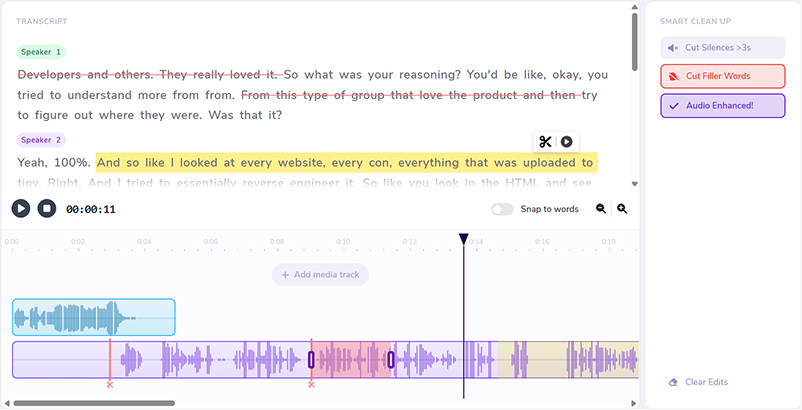
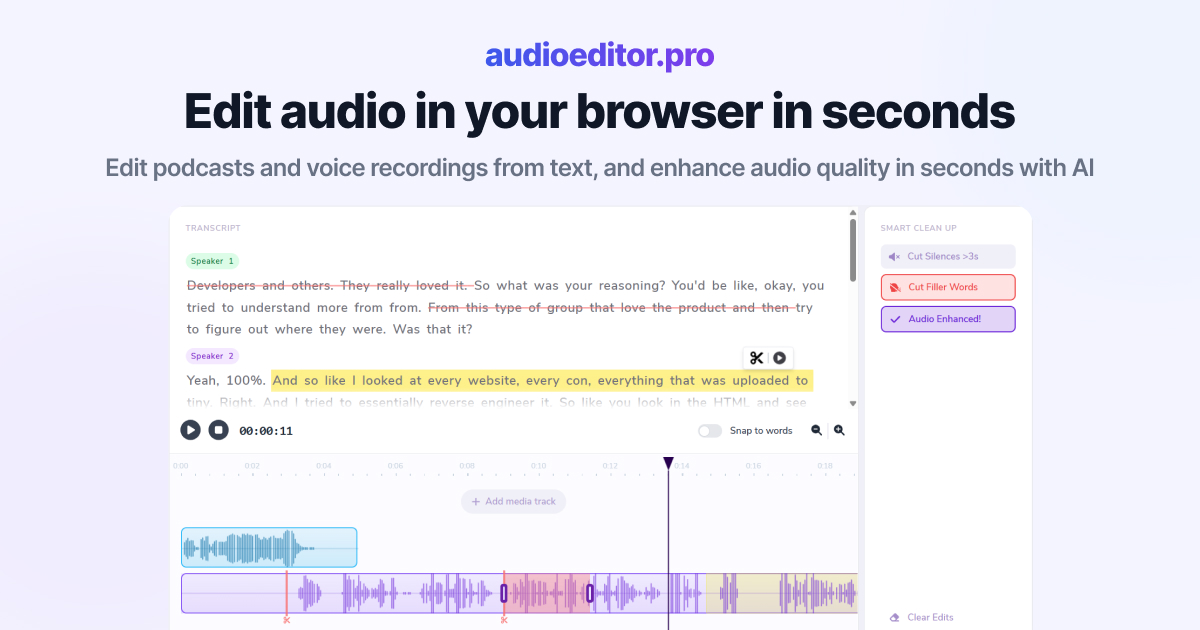
Waveforms show timing. They do not show meaning. For a long interview, transcript-based cutting is usually the fastest path because you read faster than you listen.
Workflow:
- Upload the recording and generate a transcript.
- Skim for weak sections: hedging, repetition, answers that never land.
- Select the text you want out and delete it; let the tool remove the matching audio.
- Re-read the surrounding paragraph to confirm the transition still makes sense.
Search helps too. Look for phrases like "as I was saying", "to go back", or the guest's name repeated in a re-intro. Those often mark blocks you can cut entirely.
On audioeditor.pro, upload once, delete weak paragraphs in the transcript, and let the matching audio follow each cut while you re-read transitions.
Check flow at normal speed before detail cleanup
After structural cuts and transcript trims, play the episode at 1x from start to finish once. You are checking:
- Does the opening still set up the topic?
- Do jumps between segments sound abrupt?
- Did you accidentally remove context a later answer needs?
Fix only transition problems on this pass. If a cut sounds jarring, it may be an audio jump cut; extend the handle by a fraction of a second or add back one bridging sentence from the raw file.
Do not remove filler words until the story arc works. Detail cleanup on a still-bloated timeline is how editors lose an entire evening.
Fast cut-down checklist for long interviews
Use this sequence every time:
- Set a target ship length and list must-keep moments.
- Speed-listen once and label blocks Must Keep, Optional, or Cut.
- Delete all Cut blocks and enough Optional blocks to get within ~5 minutes of target.
- Shorten long pauses (manual or automated), keeping small breath tails.
- Remove false starts and repeated answers in chronological batches.
- Use transcript selection to trim weak paragraphs by reading.
- Full listen at normal speed; fix transitions only.
- Run filler-word and noise cleanup last if you still need runtime or polish.
Most creators save the largest chunk of time on steps 2 through 4. Micro-edits feel productive, but they rarely shrink a 70-minute raw file by 30 minutes on their own.
FAQ
How much should I cut from a long interview?
Decide a target runtime first. If raw is 80 minutes and ship length is 40, you need to remove roughly half the material, mostly in large blocks.
Why not start with filler word removal?
Filler cleanup on sections you will delete is wasted effort. Structural cuts change episode length fastest.
How long should pauses be before I trim them?
Pauses longer than about two to three seconds often feel awkward on playback. Leave 80 to 150 ms when you shorten a gap so consonants do not clip.
Is transcript cutting faster than waveform editing?
For long spoken files, yes. You read and delete paragraphs faster than you scrub for meaning in a waveform.
When do I remove filler words?
After structural cuts, pause trims, and a full 1x flow check. Detail cleanup comes last.